
Your Quick Guide
A simple guide to setting up your profile and using your LymphAware ID card.
Read the guide as text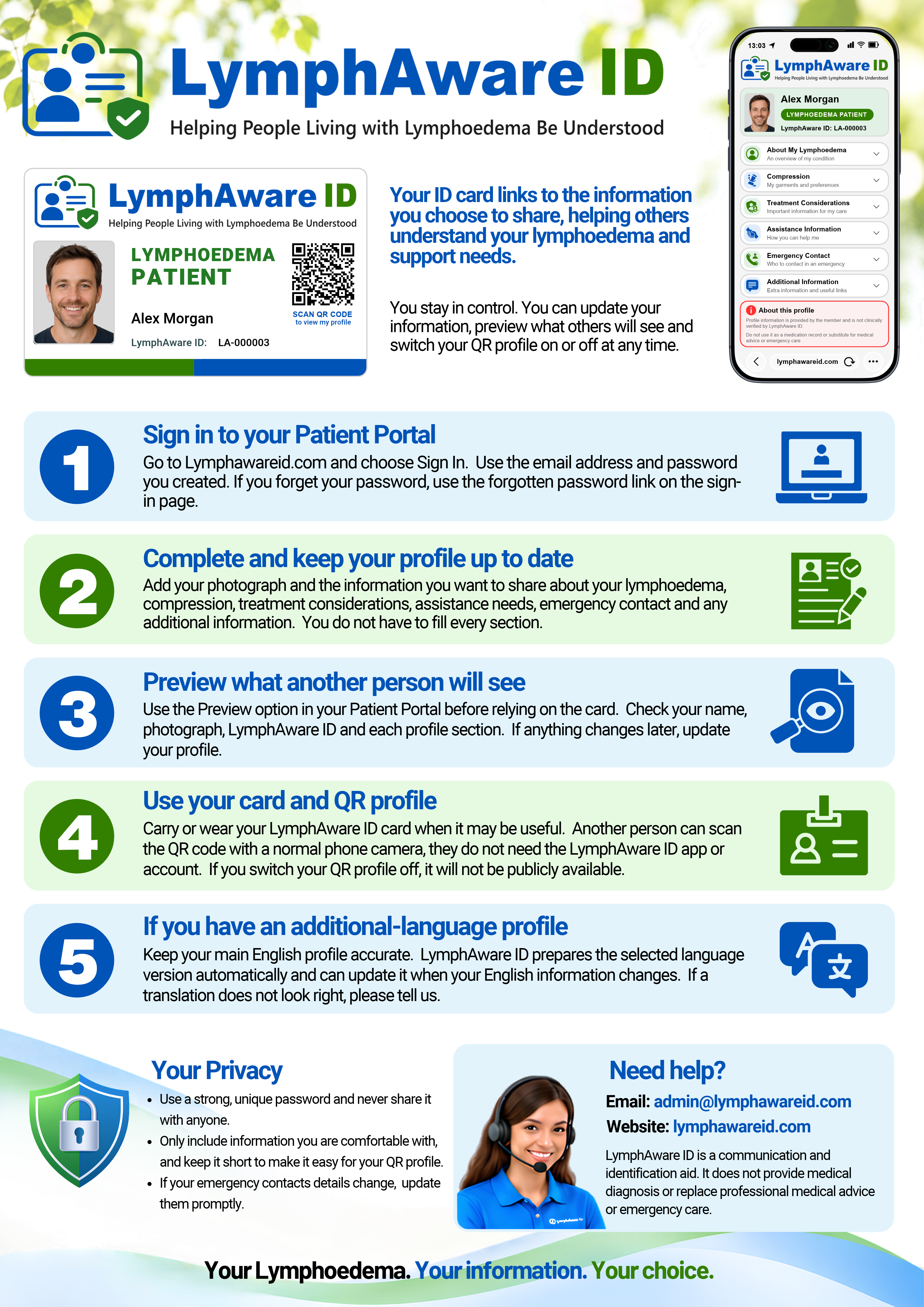
Your Quick Guide — text version
Your ID card links to the information you choose to share — helping others understand your lymphoedema and support needs.
You stay in control. You can update your information, preview what others will see and switch your QR profile on or off at any time.
Sign in to your Patient Portal
Go to lymphawareid.com and choose Sign In. Use the email address and password you created. If you forget your password, use the forgotten-password link on the sign-in page.
Complete and keep your profile up to date
Add your photograph and the information you want to share about your lymphoedema, compression, treatment considerations, assistance needs, emergency contact and any additional information. You do not have to fill every section.
Preview what another person will see
Use the Preview option in your Patient Portal before relying on the card. Check your name, photograph, LymphAware ID and each profile section. If anything changes later, update your profile.
Use your card and QR profile
Carry or wear your LymphAware ID card when it may be useful. Another person can scan the QR code with a normal phone camera — they do not need the LymphAware ID app or an account. If you switch your QR profile off, it will not be publicly available.
If you have an additional-language profile
Keep your main English profile accurate. LymphAware ID prepares the selected-language version automatically and can update it when your English information changes. If a translation does not look right, please tell us.
Your privacy
- Use a strong, unique password and never share it with anyone.
- Only include information you are comfortable making available through your QR profile.
- If your emergency contact details change, update them promptly.
Need help?
Email: admin@lymphawareid.com
Website: lymphawareid.com
LymphAware ID is a communication and identification aid. It does not provide medical diagnosis or replace professional medical advice or emergency care.